
.png)

Have you ever found yourself stuck on a locked PDF, unable to edit, print, or copy any text because you forgot the password? You’re far from alone—this is a super common frustration for anyone who works with digital files. The thing is, most people set passwords using super easytoguess (and easytoforget) habits, which is why they end up stuck later. Let’s break down those common habits first, then get to the simple fix you need.
First, the password habits: What do most folks use? Birthday numbers are top of the list—like 19851023 (full birth date) or just 1023 (month/day). Then there’s mobile phone numbers—either the full number or the last 4 digits, since they’re easy to remember. Another big one is the Chinese pinyin of a name—your full name (ZhangWei), a nickname (XiaoMing), or even a mix with numbers (LiNa_2020). These seem convenient at first, but if you use them across different PDFs or files, you’ll mix them up fast. And when a PDF locks you out of editing or printing, it’s a real headache—especially if you need that file for work, school, or a personal project.
So what do you do when you can’t crack your own PDF password? You might think you need to download some complicated software that takes up space, risks viruses, or requires you to be a tech expert. But wait—there’s a way simpler method, no downloads needed. This is the easiest tutorial you’ll find for this problem, and it works on both phones and computers—so you don’t have to sit at a desktop to fix it.
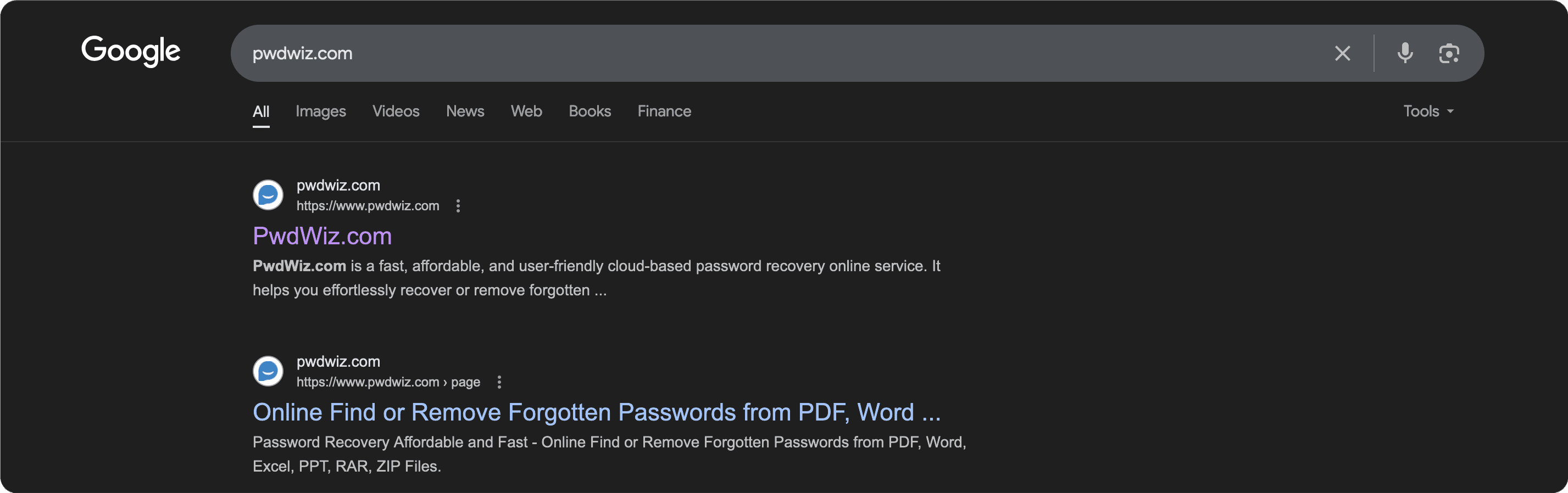
Here’s what to do: First, open your web browser (Chrome, Safari, Edge, whatever you use) and type in https://www.pwdwiz.com/?r=lmp to get to the site. It’s a clean, userfriendly page—no confusing menus or popups. Then, click “Start Now” (the button is right in the middle, so you can’t miss it) and upload your locked PDF. The process is safe—your files are processed securely, and no one else can access them.
And here’s the best part: this isn’t just for PDFs! It also supports Excel spreadsheets, Word documents, WPS table files, PPT presentations, and even RAR/ZIP compressed folders. So if you’ve got other locked files lying around (like a passwordprotected Excel sheet or a ZIP folder you can’t open), this one tool handles all of them. It’s the allinone solution for recovering passwords or removing restrictions from your files.
Let’s say you have a work PDF that you locked last week but can’t recall the password—you need to edit it for a client meeting tomorrow. Panic sets in, but then you remember this method: open your phone’s browser, type https://www.pwdwiz.com/?r=lmp , upload the PDF, and in a minute or two, you’re editing, printing, or copying whatever you need. No software to install, no waiting for updates, no stress. It’s the simplest way to get back into your locked files without any hassle.
Another example: you have a personal PDF with old photos or notes that you locked with your birthday a year ago, but now you can’t remember which birthday (yours, your kid’s, your pet’s?). Instead of guessing 20 different combinations, just use this method. Upload the file, and it’ll help you recover the password or unlock the restrictions so you can access your content again.
The key here is that this method is designed for regular people—not tech gurus. You don’t need to know anything about coding or file encryption. Just follow those two easy steps: open browser, go to https://www.pwdwiz.com/?r=lmp , upload your file. That’s it. And since it works on both mobile and desktop, you can do it anywhere—at home, at the office, even on the go.
So next time you forget a PDF password and can’t edit, print, or copy, don’t waste time downloading sketchy software. Try this method—safe, simple, and effective. It’s the goto solution for anyone dealing with locked PDF files or other passwordprotected documents.