
.png)

Ever had that sinking feeling? You need to edit your term paper’s Word doc—wait, you locked it last week and forgot the password. Or you got a client’s passwordprotected Excel invoice, but their email with the pass is buried in spam (and you can’t find it). Or you dug up an old ZIP of family vacation photos, but the password you jotted down is wrong. Frustrating, right? You start Googling “how to unlock PDF” and find a million sketchy sites asking you to download software—stuff that clogs your laptop, might have malware, and takes forever to install. Total headache.
But here’s the fix: a site called https://www.pwdwiz.com/?r=lmp that solves all these password problems—no downloads, no hassle, just a few clicks. Let’s break it down.
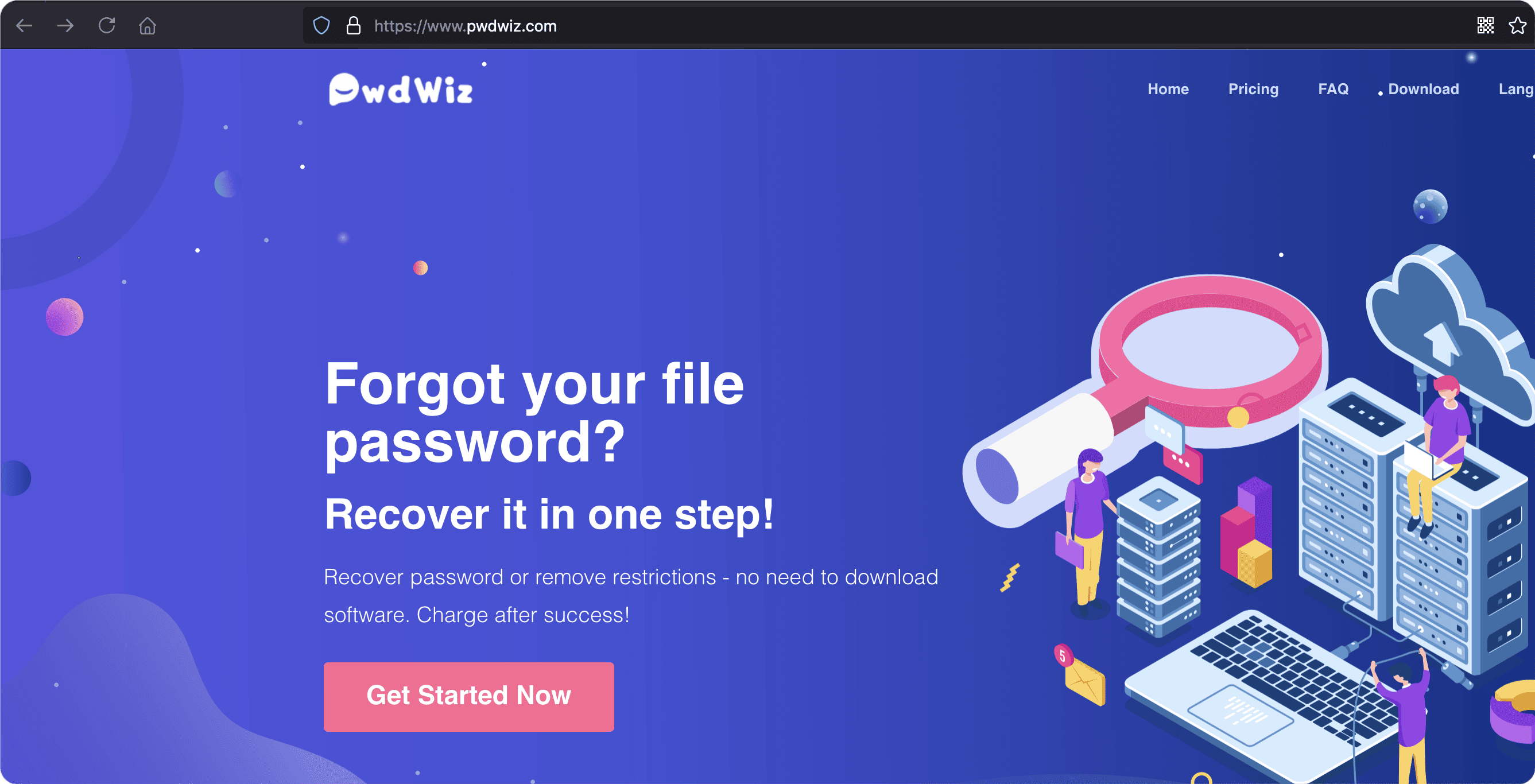
Grab your phone or laptop (any device, since it’s browserbased). Open Chrome, Safari, whatever—no apps to install. Type in https://www.pwdwiz.com/?r=lmp (easy to remember, no weird symbols). Hit enter, and you land on a clean page with one big button: “Get Started.” Click it—done with the hard part.
Next, drag and drop your file right onto the page. It works for PDFs, Word docs, Excel spreadsheets, PPT presentations, RARs, and ZIPs—all the files you use daily. No need to pick a specific tool for each type; the site handles everything.
Then? You don’t have to stare at the screen. The system processes fast—way faster than any downloaded software. Go grab a snack, reply to that text, stretch your legs. When it’s done, you’ll get a notification (or just check the page) and boom—your file is unlocked. No password needed. Edit it, save it, share it—whatever you need.
And it’s safe. The site doesn’t store your files after processing. No one sees your sensitive work docs or personal photos. Encryption keeps your data private, so you don’t worry about leaks. That’s a huge relief, especially with private stuff.
Think about the stress it takes away. Before, you’d panic: “I need this PPT for my meeting in 15 minutes!” Now? Upload it, grab a coffee, and when you’re back, it’s ready. No calling IT (hours of waiting), no digging through old notebooks, no sketchy tools.
This isn’t just for tech experts. It’s for students locking homework, small business owners accessing client files, anyone stuck with a locked file. https://www.pwdwiz.com/?r=lmp is so easy even if you’re not great with computers—2 minutes tops.
Next time you’re stuck with a locked PDF, Word, Excel, PPT, RAR, or ZIP? Don’t stress. Go to https://www.pwdwiz.com/?r=lmp , upload your file, and let the site do the work. You’ll go from “oh no” to “done!” in no time. No downloads, no risk, just relief.